
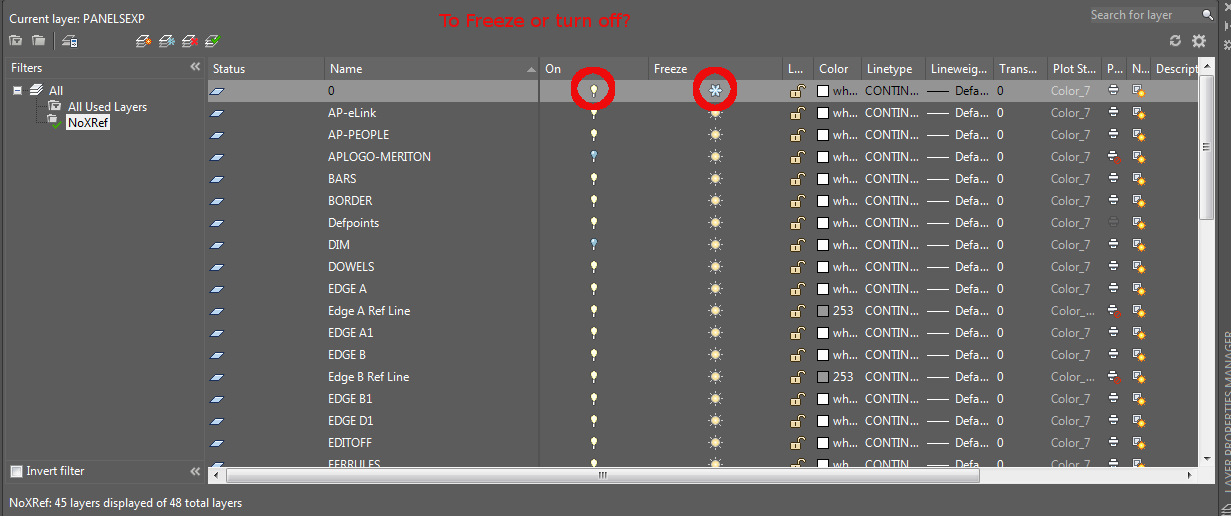
A tyro to AutoCAD will immediately notice that he or she has two options available to him – both of which ostensibly render similar results: freezing a layer and turning it off. But what is the real difference?
- When you turn a layer off, it is still loaded into memory. AutoCAD is keeping track of it.
- When you freeze a layer, then AutoCAD basically ignores that layer and everything on it. You should notice a slight increase in speed and performance when you freeze layers – especially if they contain hundreds of thousands of elements. That will give you a significant performance boost cf: if you simply turned that layer off.
That’s the difference and I hope you learned something.